Evergreen Management
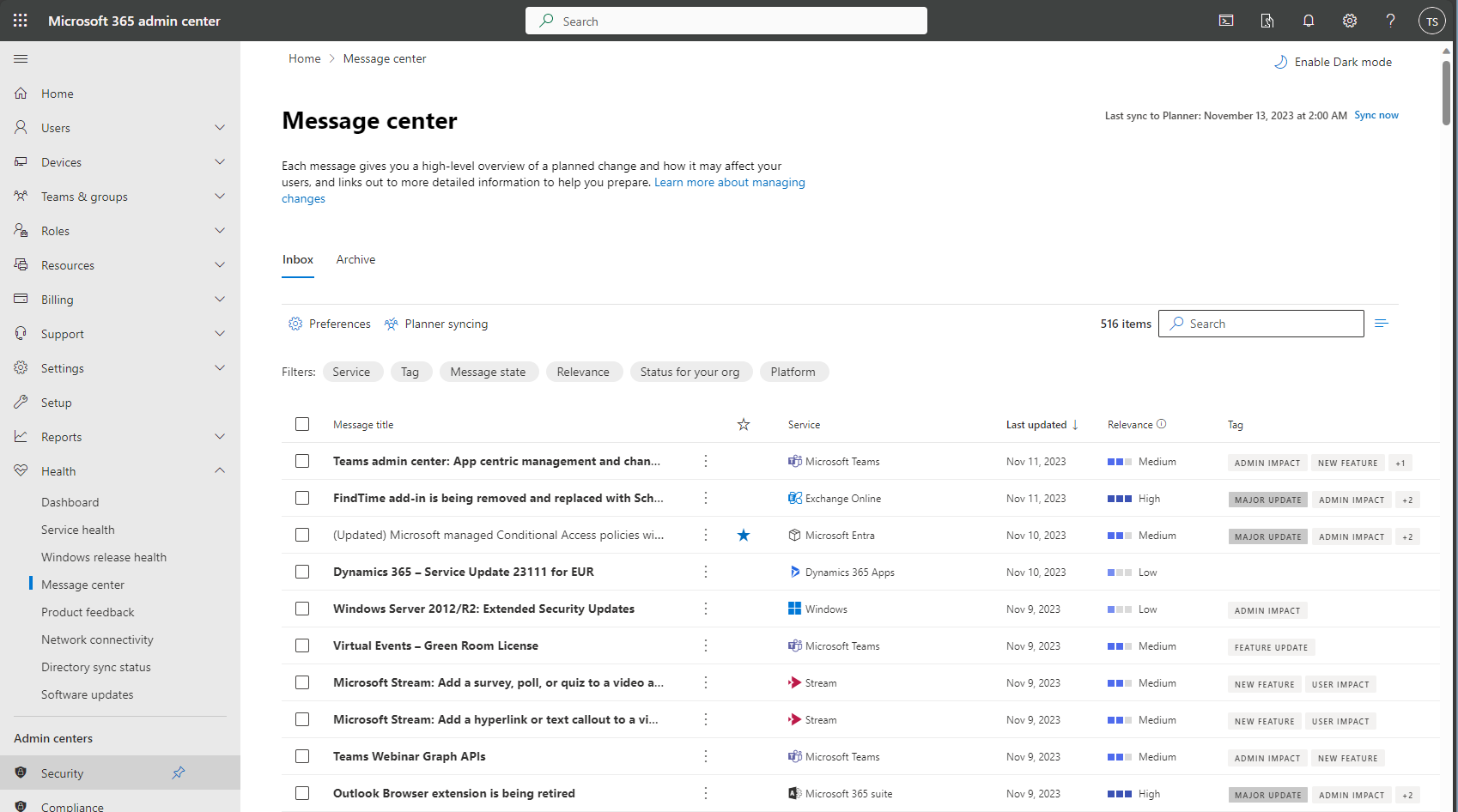
Microsoft updates its Microsoft 365 suite regularly, including changes like replacing the “Bing Icon” in your Edge browser with a “Copilot Icon.” The following day, there may be more substantial updates, such as enrolling new Microsoft-managed Conditional Access Policies. Organizations must decide whether to prepare for these changes or take a risk. Preparing requires staying up-to-date with Microsoft’s changes, which can be a challenge due to the vast amount of available information.
Message Center
A reliable resource for staying informed about changes in your Microsoft 365 tenant is the message center. This platform notifies you of all updates Microsoft implements on the services enabled in your tenant.
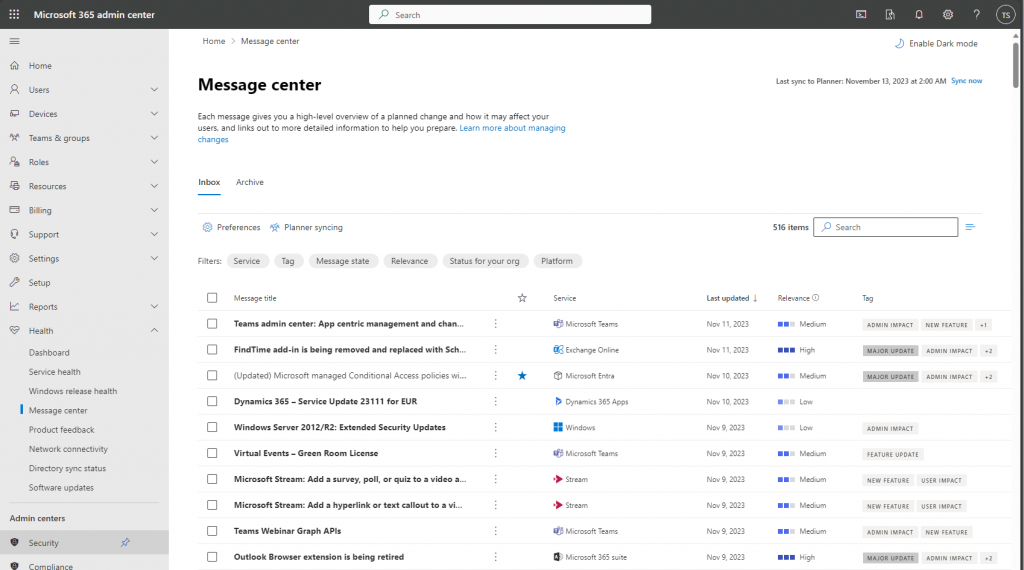
The messages give you the following information:
- the services affected by the change
- the relevance Microsoft sees for your tenant
- tags that help categorizing the messages
- a brief summary of the change
- a rollout timeline
- information about how this change might affect your organization
- instuctions how to prepare for the upcoming change
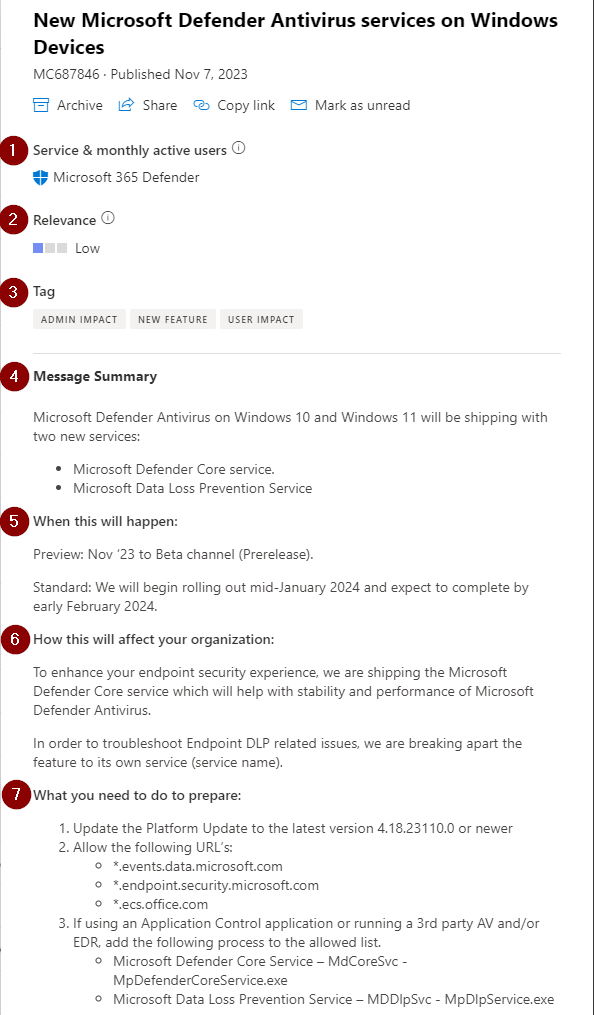
Evergreen Management Process
Checking for new messages is not a one-time task. It is crucial to develop and implement a regular process for checking messages. This approach prevents missing any significant changes that require technical preparation or communication to users in advance. Microsoft introduces several types of changes to their Microsoft 365 service, including the following examples:
- You might get a new feature that will be enabled by default. But does this feature allign with your data privacy policy? Does this feature might confuse your users?
- Microsoft might discontinue a service you are using to a specific date. You might need time to setup and plan a migration project to a new service…
- Microsoft might shut down a protocol due to security reasons. You might have an application that connects to the service using that protocol and you need to update the application in advance to avoid service disruption.
You must decide whether you want to stay ahead of the changes or be blindsided.
It takes time to process all the messages - there were about 140 for October 2023.
Planner Sync
Microsoft offers an alternative option, in addition to the message center, to manage messages. You can establish Planner syncing and forward the messages to a planner board. There you can work through the messages and delegate specific messages to colleagues.
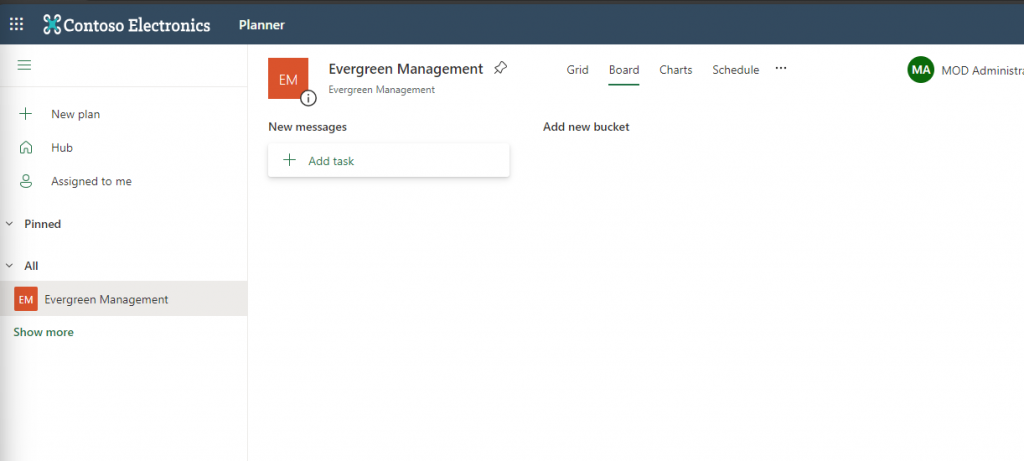
To initiate planner syncing, you must first have a plannerboard with the corresponding account to set up the sync:
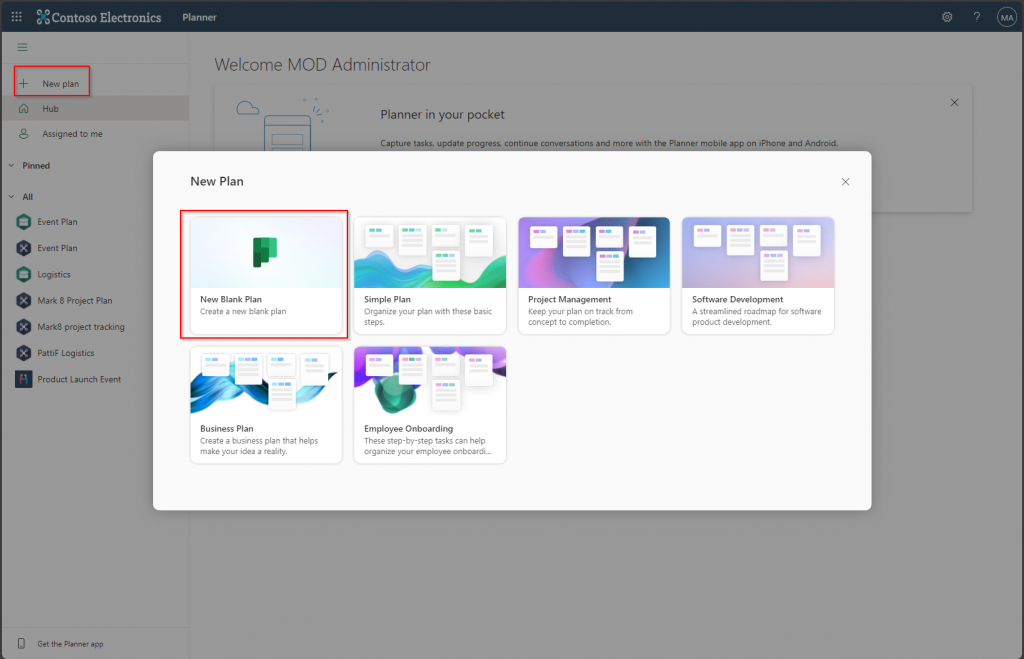
New messages will be transferred to a designated “new messages” bucket:
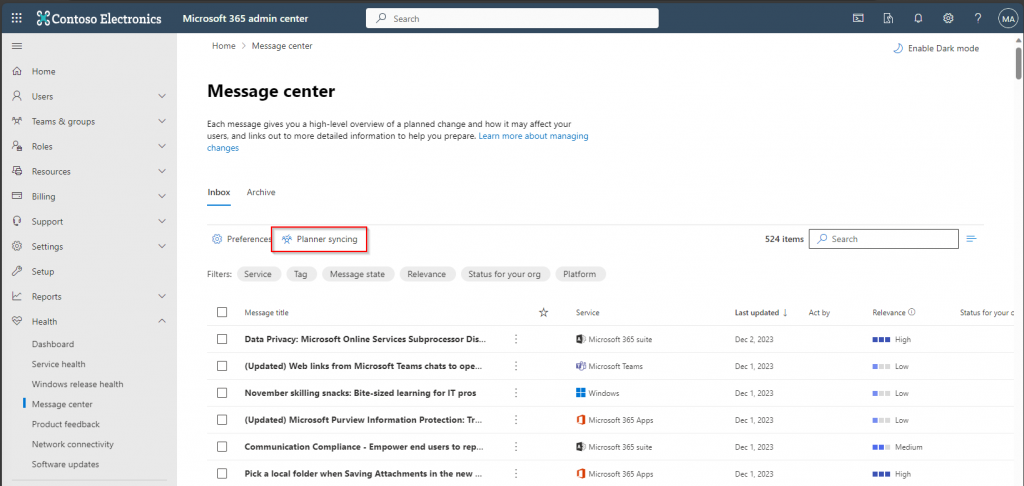
Now that you have set up the plan, you can enable planner syncing in the message center:
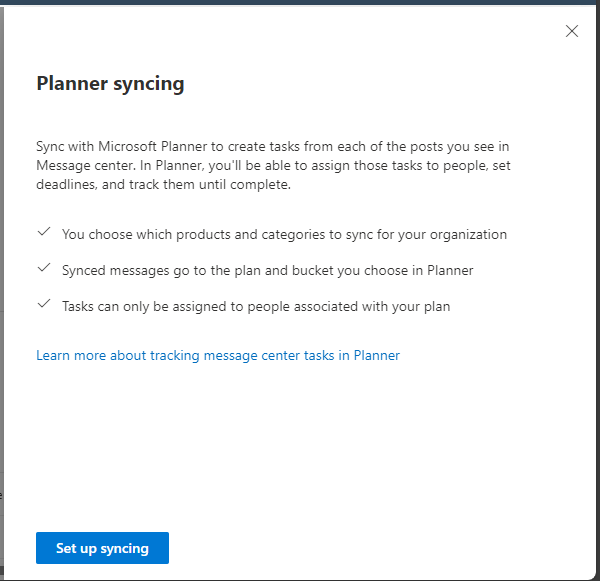
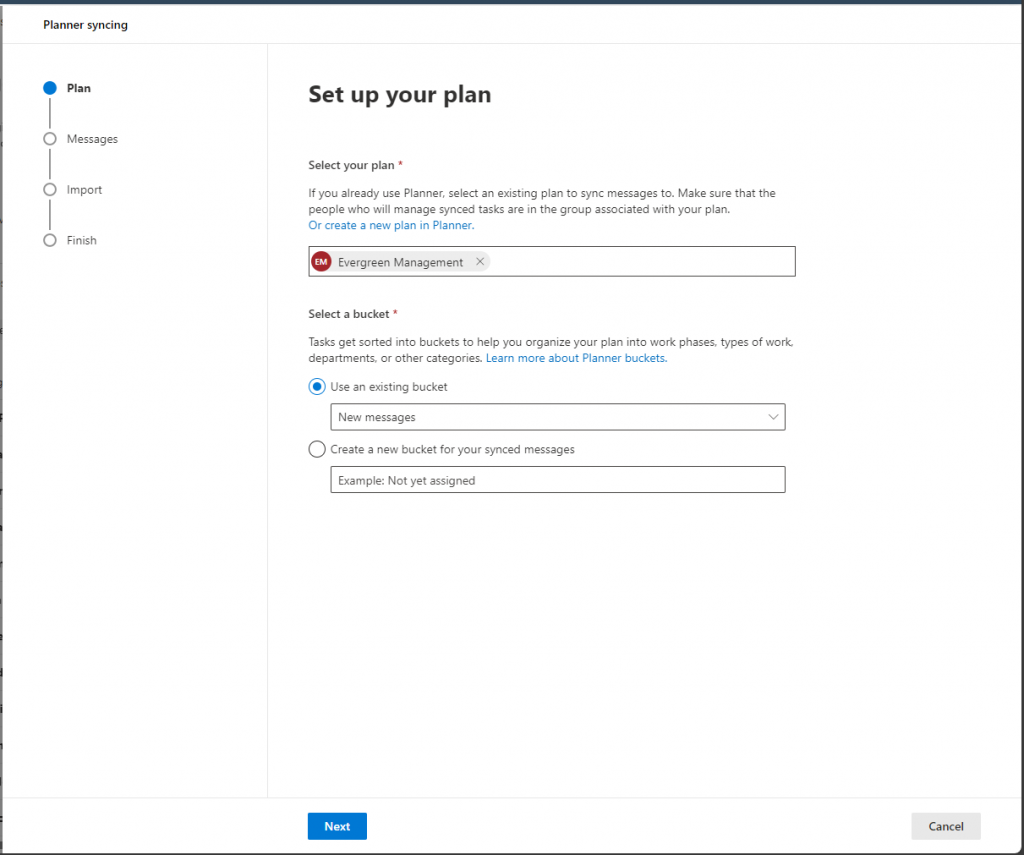
You specify the plan and the target bucket:
Now specify the products and services for which you wish to receive messages:
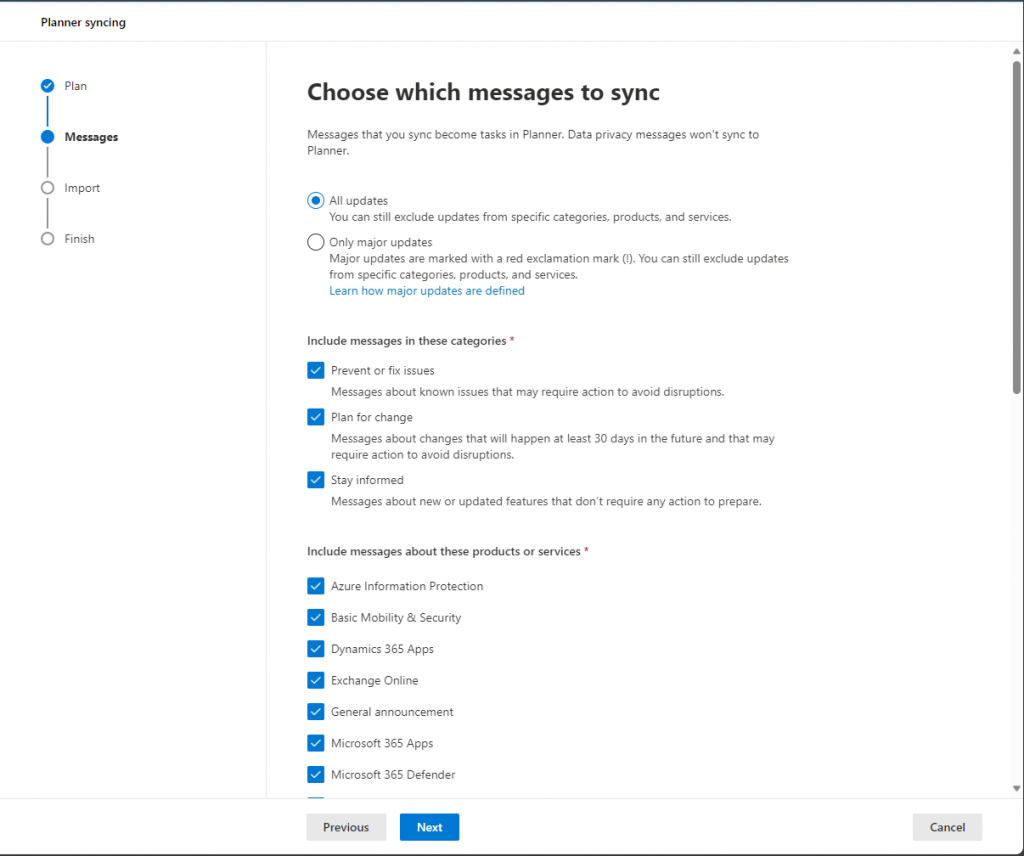
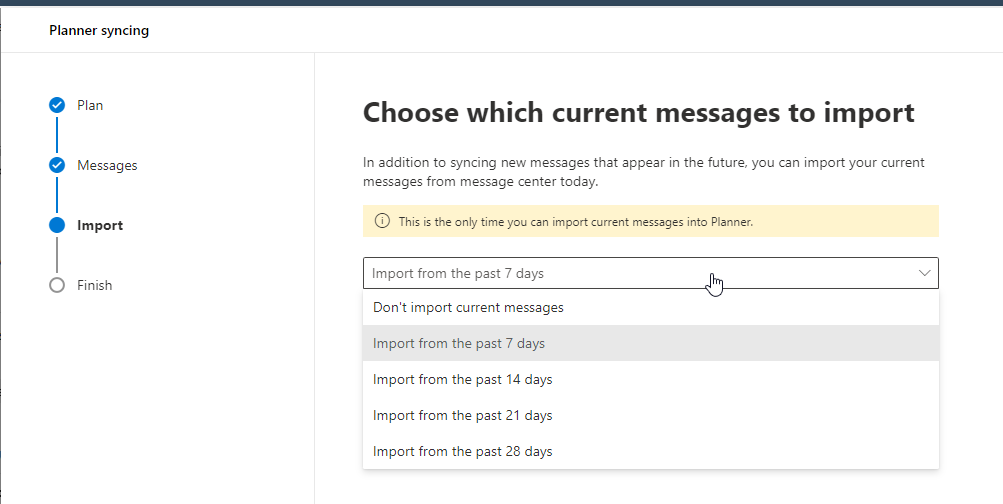
You have the option to import messages from the past x days:
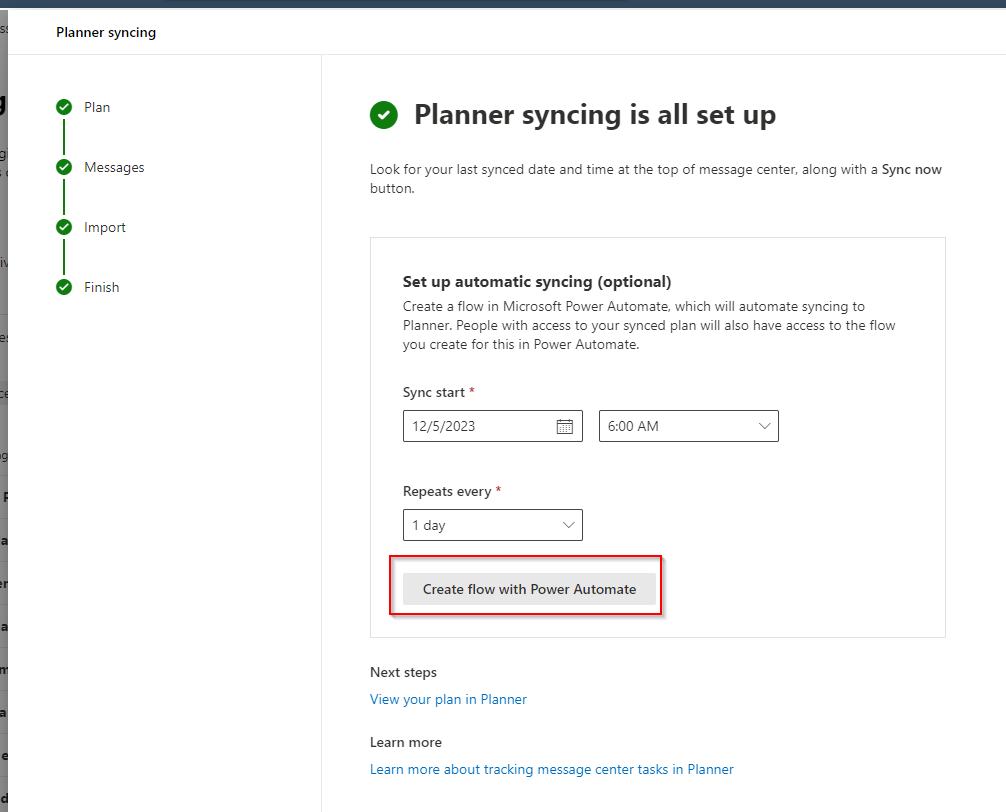
Finally, the wizard offers the option to set up a Power Automate flow for synchronizing the messages to your planner board, which I suggest:
You need to sign in to connect your Power Automate flow to the message center:
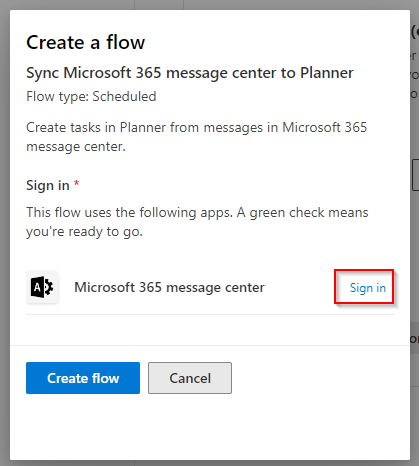
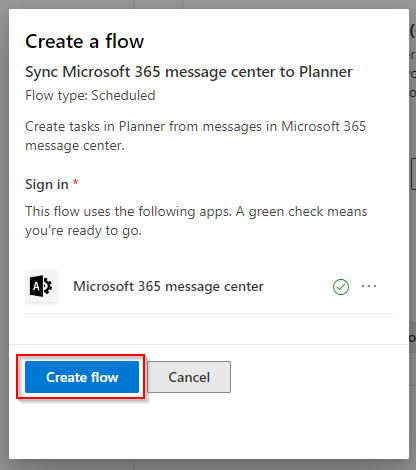
When the connection is successful, you can create the flow:
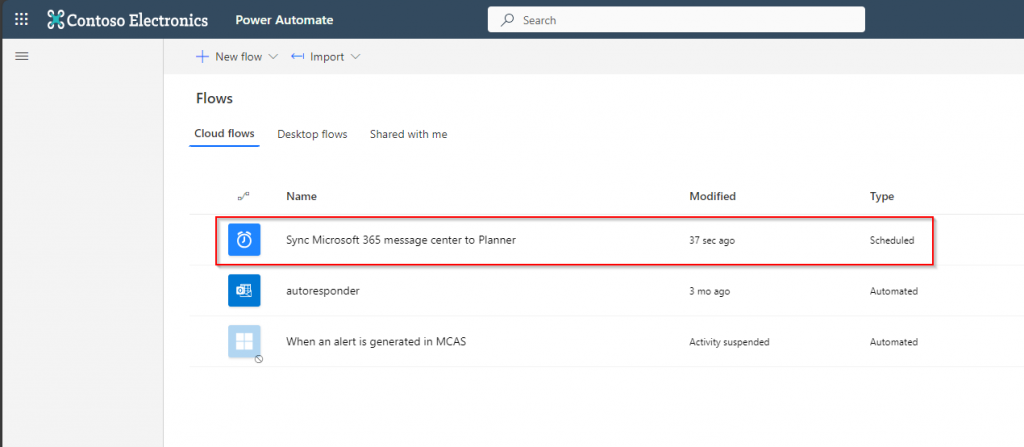
Then you can access the flow in Power Automate:
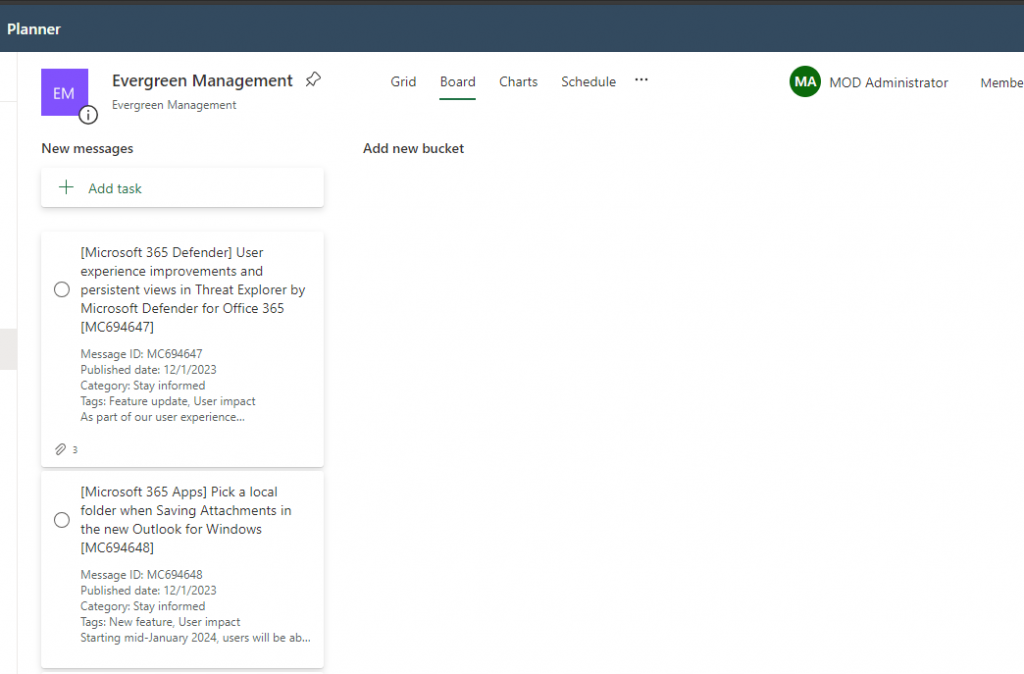
Now that you have set up the recurring sync process, new messages will be synchronized to your planner board each day:
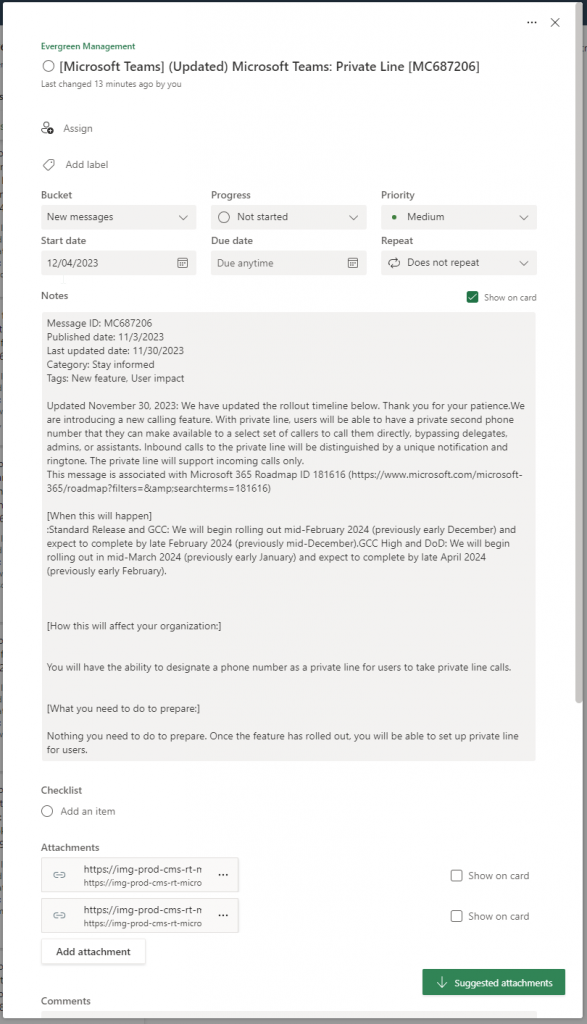
The tasks contain the same information as in the message center, including links and attached images:
Now it’s up to you to establish a clear set of buckets in your planner board for efficient message management and change handling. The structure will vary based on the organization of your IT team.
Conclusion
I have provided instructions for accessing information regarding changes in the Microsoft 365 suite. I hope this has gotten you involved. Microsoft has made available to you a useful tool called Planner Sync for managing messages. Despite its potential, few customers currently use this tool to track updates; however, more organizations should consider doing so.
Hope you enjoyed the article!